
We’ve introduced a new set of enhancements and accessibility improvements built from user feedback and designed to simplify your workflow while creating a more confident, inclusive learning experience.

Instructor Experience
Streamlined Grading Navigation
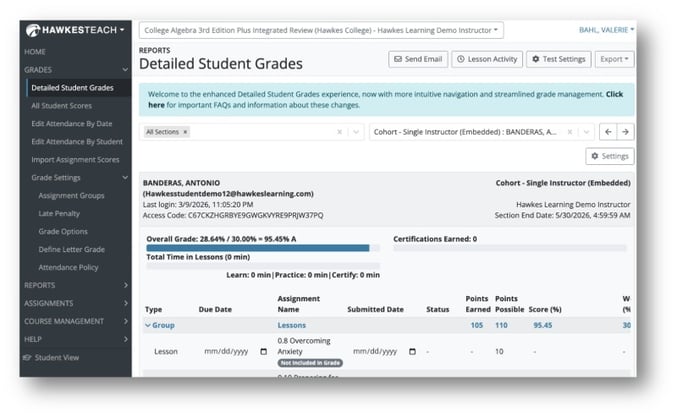
A new category, “Grades,” has been added to the instructor side navigation as a single source to manage course grading tasks. This category incorporates Detailed Student Grades (formerly Edit Scores), the All Students Scores Report, Edit Attendance pages, Import Scores, and Grade Settings. With this navigation update, the ‘HELP’ menu is always displayed, so you can gain support and access materials without additional clicks.
Simplified Grading and Communication
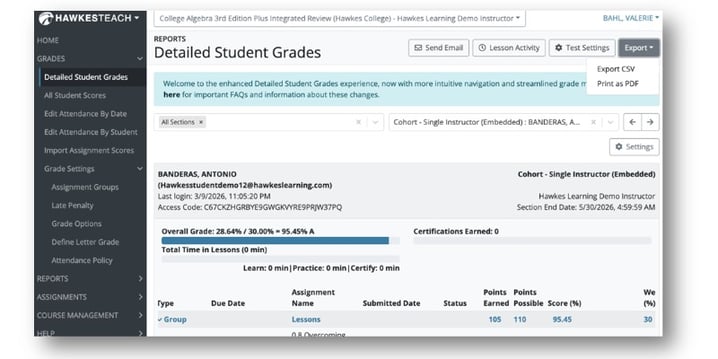
New settings on the Detailed Student Grades page gives you more flexibility and efficiency for grading and communication. Settings include the ability to export as a PDF, faster search, quick links to lesson activity, test settings, and direct access to the Message Assistant by selecting ‘Send Email’. Fewer clicks to meet students where they are!
Clearer Naming for More Intuitive Navigation
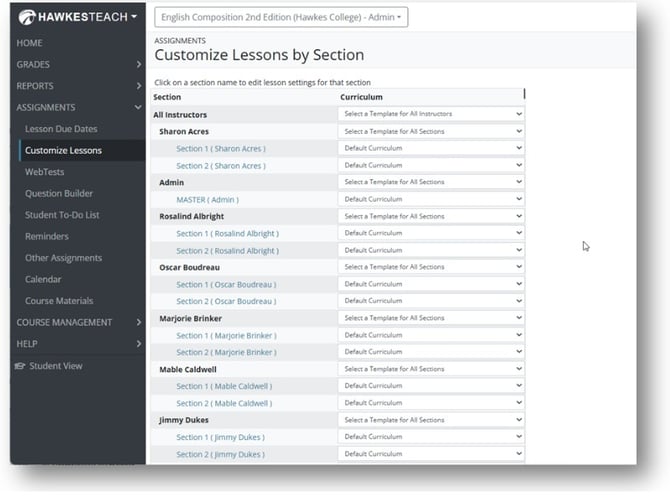
Based on user feedback, we’ve renamed two areas of the instructor side navigation for a more intuitive workflow. “Curriculum” is now “Customize Lessons” and “Tools” has been renamed to “Course Management.”
Refined eBook Access to Improve Clarity, Accessibility, and Engagement
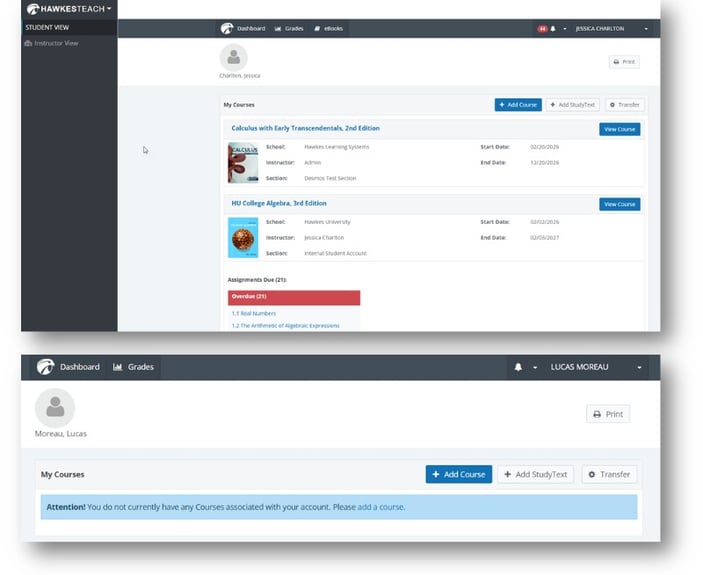
The eBook tab, which links to an external reading experience, is now instructor-only by default to support accessibility and give students a cleaner, less confusing experience with relevant tabs visible. Students access the eBook content in Learn as a fully accessible, easy-to-navigate, and customizable reading experience. Content in Learn engages students with interactive elements for deeper learning.
Note: Students who have purchased StudyText (available for specific titles) will see the tab and complete their purchase through a new flow.
Increased Efficiency: Bulk Editing for WebTest and Other Assignment
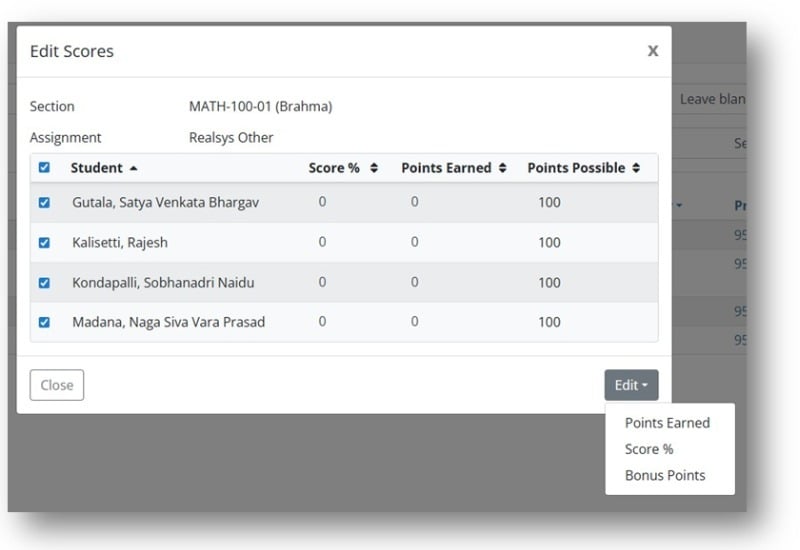
Save time by updating scores for multiple students on the same assignment at one time through the Edit Scores Modal on the All Student Scores Report, for both WebTest and Other Assignment grade types.
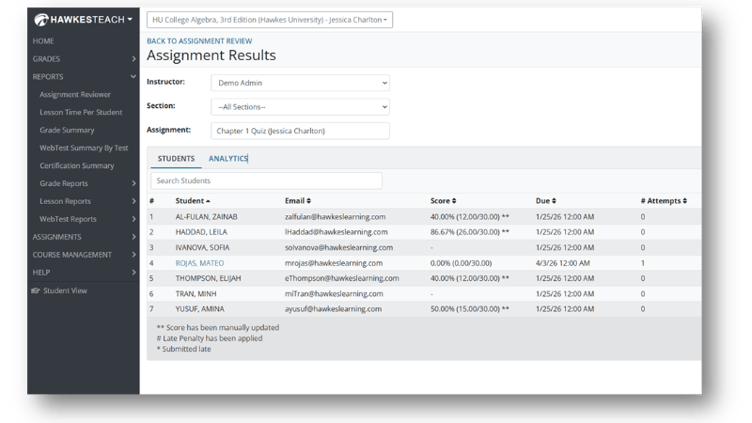
Assignment Results, Now Across All Sections
See a complete view of student performance across all sections in the Assignment Results. Broader visibility into student performance saves you time, so you can focus on remediation and teaching.
Direct Access to Instructor Account
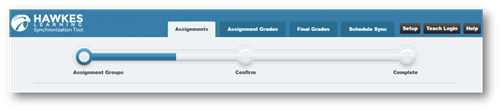
An instructor login button has been added to the LMS Synchronization Tool header to provide a direct login path and improve workflow efficiency.
As always, if you have any questions or need assistance, please don’t hesitate to reach out to our Customer Success Team anytime at instructorsupport@hawkeslearning.com
Recent posts