Tutor is a resource that you can access in Practice mode. It can be especially helpful when you are unsure of how to answer a question or how to enter the required answer format.
After starting Practice, you will see the Tutor button on the lower left corner of the page.
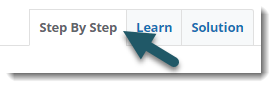
Step By Step/Hint
The default Tutor section is Step By Step or Hint, depending on the complexity of the question. In Step By Step, you will be provided with easy-to-follow directions that break down a problem into separate parts. To display the solution to each step, and ultimately the final answer, press the Display Step Answer button in the lower right corner.
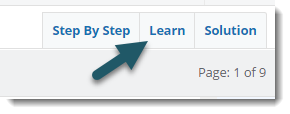
Learn
Quick navigation to Learn is provided via Tutor by clicking on the Learn tab. Learn provides you with another chance to review the lesson material before attempting the problem again.
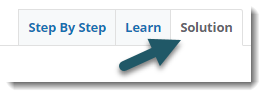
Solution
The Solution tab in Tutor not only offers you the ability to quickly view the answer to a question, but also provides a thorough explanation of how to reach it.