
The grade scale shows percentages and their corresponding letter grades for your course.
1. Sign in to your Hawkes student account.
2.Select Grades at the top of the screen.
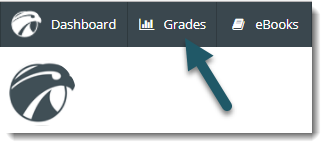
3. Select Grade Scale under the Overview tab.
You will see a grade scale that looks similar to this:
To view grades for a different course, select Change Course in the upper right corner.