
The Send to Instructor button in Practice allows you to send a screenshot to your instructor and ask specific questions about that particular problem. This is a great resource if you have already used the Tutor button, reviewed the lesson in Learn, and you are still having trouble.
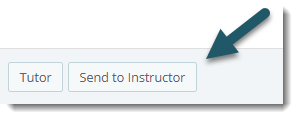
Note: If you do not see this option, your instructor has disabled it.
How Send to Instructor works:
- Select the Send to Instructor button on a question in Practice. A new message window will open with screenshot of the problem you were working on in the body of the message.
- Write your question(s) in the message.
- Press Send. Your instructor will receive your question(s) along with a screenshot of the problem.