
1. Sign in to your Hawkes student account.
2. Click Grades at the top of the page.
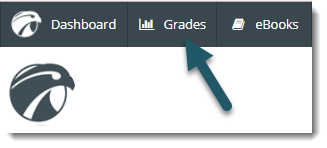
You will see a list of your assignment grades.
To view grades for a different course, select the Change Course drop-down menu and choose the course you would like to view grades for.