
The Attendance tab will only be displayed if your instructor has enabled it.
You can see your attendance information by following these steps:
1. Sign in to your Hawkes student account.
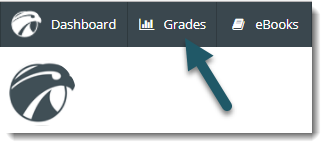
2. Select Grades at the top of the screen.
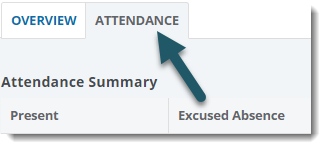
3. Select the Attendance tab.
To view attendance for a different course, select Change Course in the upper right corner.