1. Sign in to your Hawkes account
2. Click the View Course button beside the title image for your course

3. Click the Lessons tab
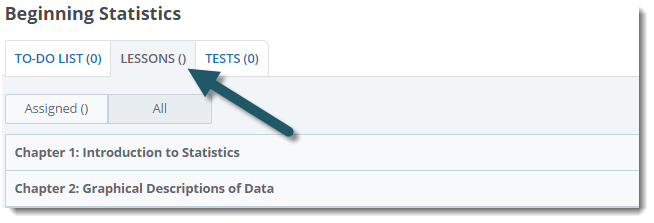
You will now see your assigned lessons. To view all available lessons, click All.

1. Sign in to your Hawkes account
2. Click the View Course button beside the title image for your course
3. Click the Lessons tab
You will now see your assigned lessons. To view all available lessons, click All.