1. Select a Moodle course. Then select the Hawkes Synchronization Tool.
2. Select the Assignment Grades tab.
3. Select the checkbox next to Student Name/Assignment Name to select all students and all assignments.
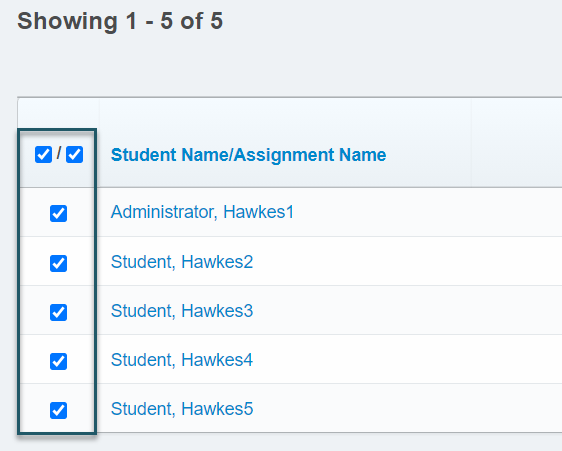
- If you have more than 40 students, open the Results drop-down menu and select Show All to view all students. Otherwise, all student grades will not be synced over.
4. Select Sync to sync all grades over to Moodle.

6. Select Confirm and the grade synchronization process will begin.