
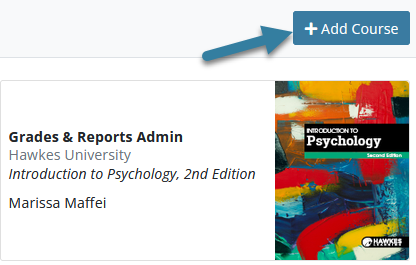
To add a course to your Instructor Teach account, log in to your Teach account and click Add Course on your Instructor Dashboard.
If this is your first time teaching the course, you should have been emailed a Course Link Code.
If you did not receive a Course Link Code, please contact your Course Administrator or email Hawkes Learning Customer Support at support@hawkeslearning.com.-
Select I have a course link code, and click Continue.
-
Enter the code and click Add Course.