Sync Grades Manually
1. As an Instructor, select a Blackboard course, then select the Hawkes Learning link to open the Sync Tool.
2. Select the Assignment Grades tab.
3. Select the checkbox next to Student Name/Assignment Name to select all students and all assignments.
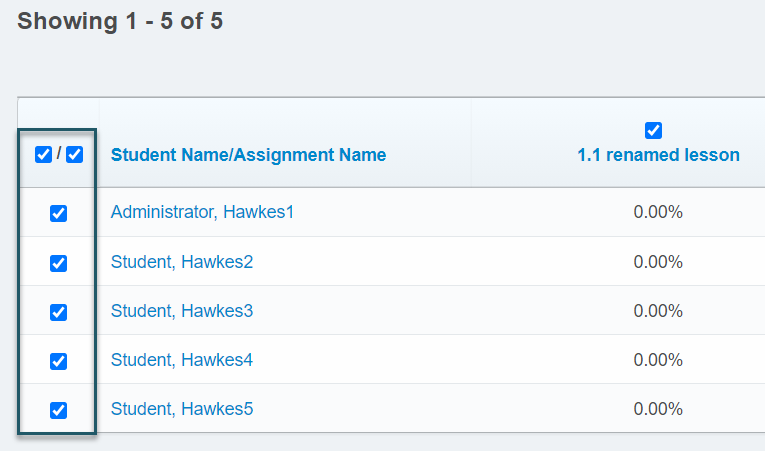
- If you have more than 40 students, you must open the Results drop-down menu and select Show All to view all students. Otherwise, all student grades will not be synced over.
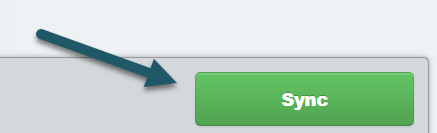
4. Select Sync to sync all grades over to Blackboard.
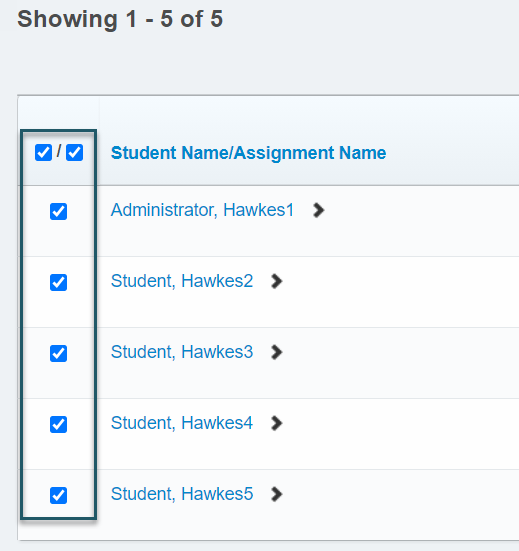
5. A confirmation page will load displaying what will be synced. Select all students again and Continue.
6. Select Confirm and the grade synchronization process will begin.